
- STEP1.Log in to the Game Panel.
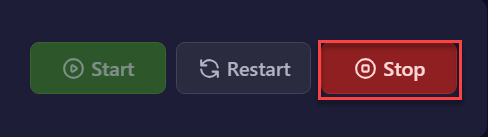
- STEP2. Click "Stop" in the upper right of the item in "Dashboard".
- STEP3. Navigate to the [Startup] tab.
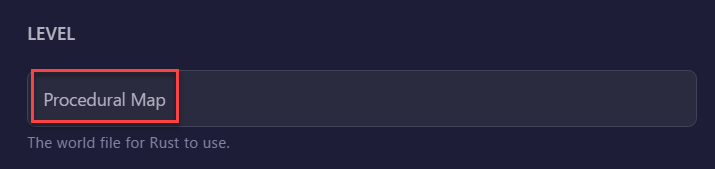
- STEP4. Navigate to the [Level] section and confirm that [Procedural Map] is listed.
- STEP5. In [World Seed], set the world seed value.
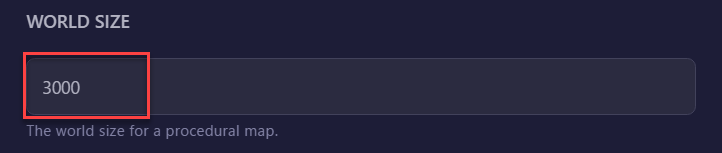
- STEP6. In [World Size], select any value less than 6,000.
- STEP7. Return to "Dashboard" and start the server with the "Start" button.
STEP1.Log in to the Game Panel.
You will need account information to access the Game Panel. Use your login credentials to access the Game Panel and open the server management page.
STEP2. Click “Stop” in the upper right of the item in “Dashboard”.
You need to stop the currently running Rust server. This will allow you to change the map smoothly. On the “Dashboard” page, click the “Stop” button and wait for the server to stop.
STEP3. Navigate to the [Startup] tab.
Once the server stops, you can move to the [Setup] tab. In this tab, you can change the map settings.
STEP4. Navigate to the [Level] section and confirm that [Procedural Map] is listed.
The “Level” section contains options for selecting the map type. Confirm that you have “Procedural Map” selected. This is often selected by default, so unless you have changed the default settings, this step should proceed without issue.
STEP5. In [World Seed], set the world seed value.
Enter the “World Seed” required for map generation.
The “World Seed” is a numerical value that makes a map unique. When you restart the server using the same seed, the same terrain will be regenerated.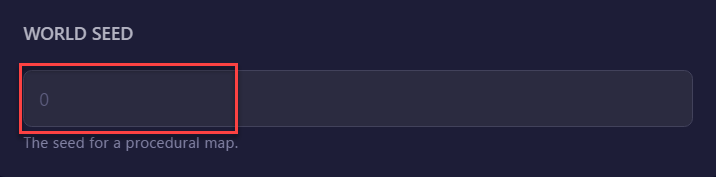
STEP6. In [World Size], select any value less than 6,000.
Set the “World Size” which determines the size of the map.
Since the default procedural map is half of the maximum available size, if you need a larger map, select any value less than 6,000.
STEP7. Return to “Dashboard” and start the server with the “Start” button.
Finally, return to the “Dashboard” page. Click the “Start” button here to launch your Rust server with the new map settings applied.
You have now completed map creation and modification on your Rust server.