
目次
How to Change Day/Night Length on HumanitZ Server
1. Log in to the Game Panel.
2. Stop your server.

3. Navigate to the [Start up] tab.

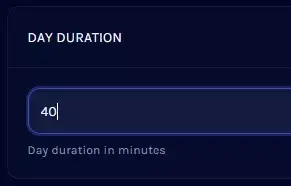
4. Find the [DAY DURATION] section and enter your desired day length in minutes.
5. Repeat this process for [NIGHT DURATION].
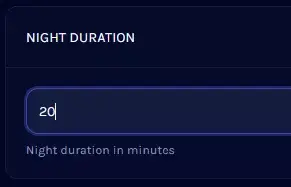
| Note | Combined, these two settings determine the time it takes for one full day to complete. |