Basic Usage
The BESTNET Game Server Panel includes a feature that allows you to easily select and install MOD packs on your Minecraft JAVA server.
With the following steps, even beginners can easily build a server with a MOD pack.
STEP1. Open the Modpack Installer
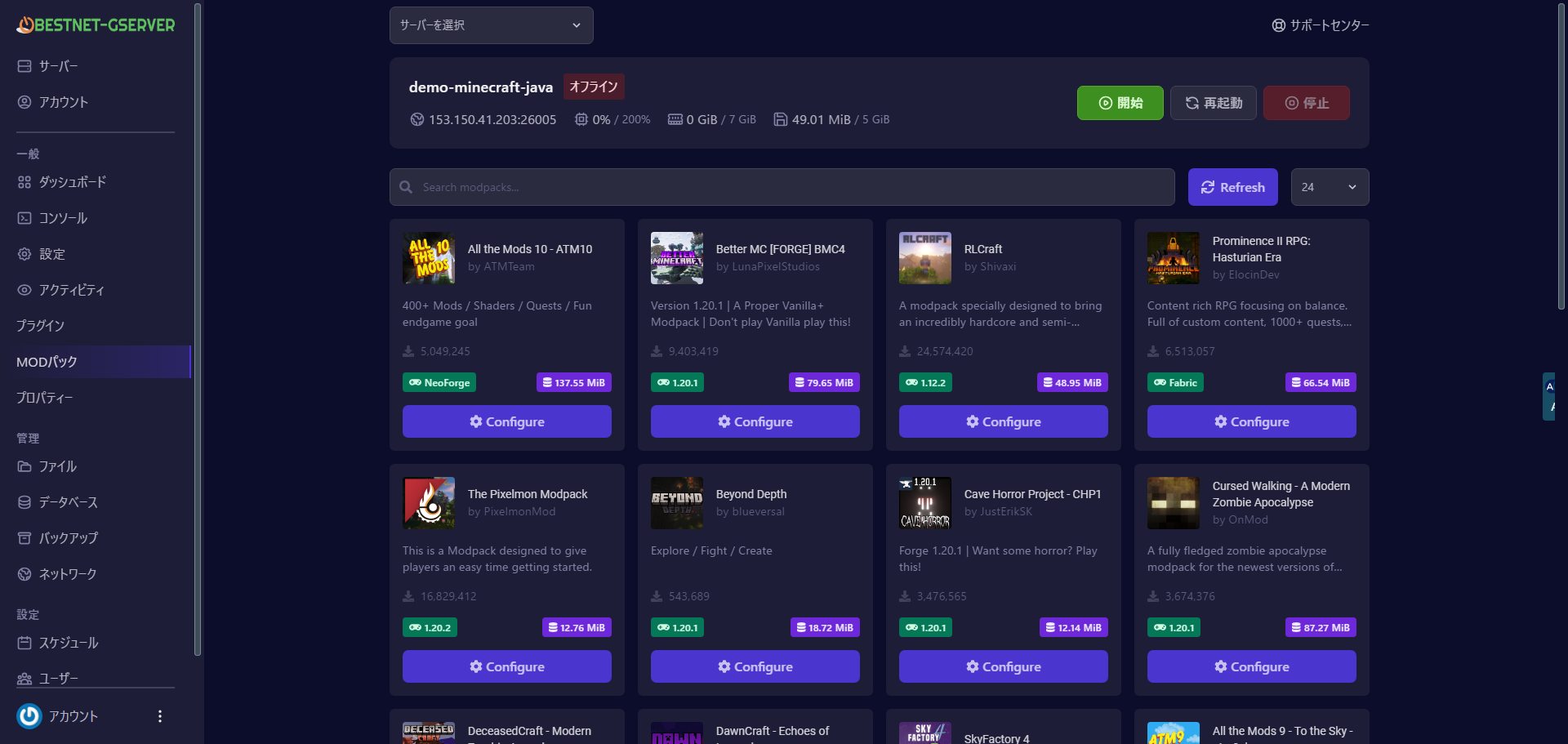
Click on MOD Pack (MOD pack) in the left menu of your target server page. A modpack search screen will be displayed.
STEP2. Search for Modpacks
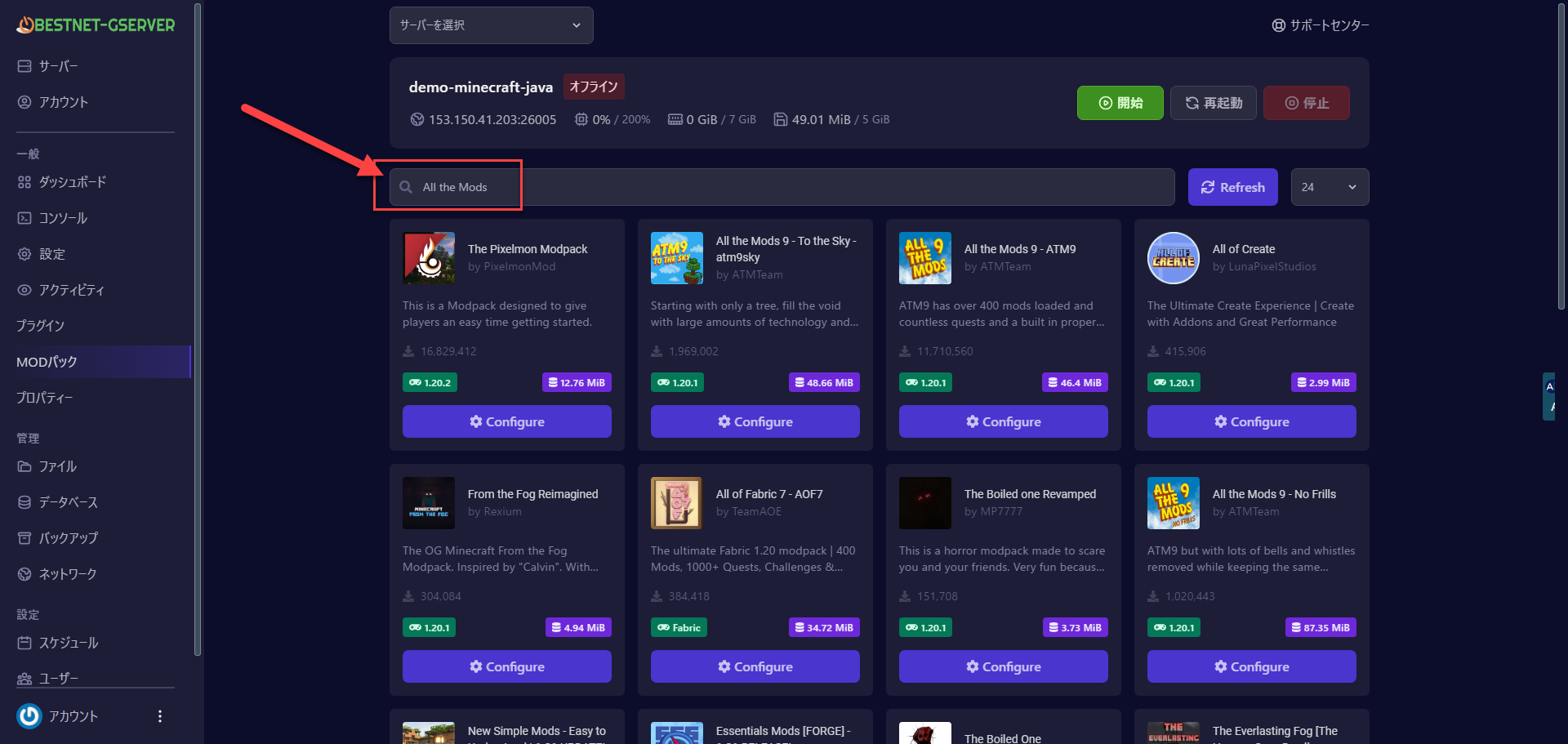
Enter the name or keyword of the modpack you want and search for it. For example, try searching for the popular modpack “All the Mods”. You can also browse by category or from a list of popular modpacks.
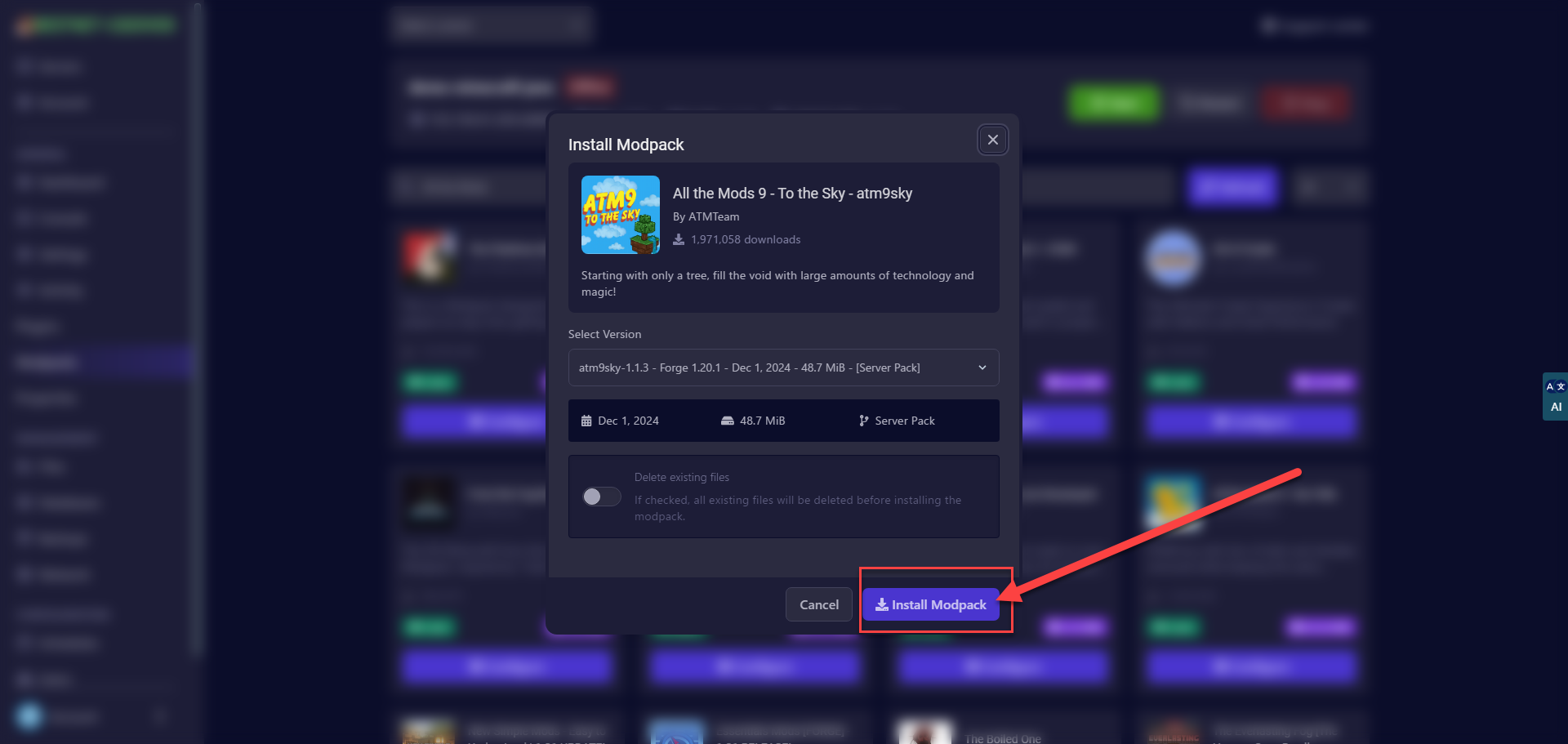
STEP3. Select Version
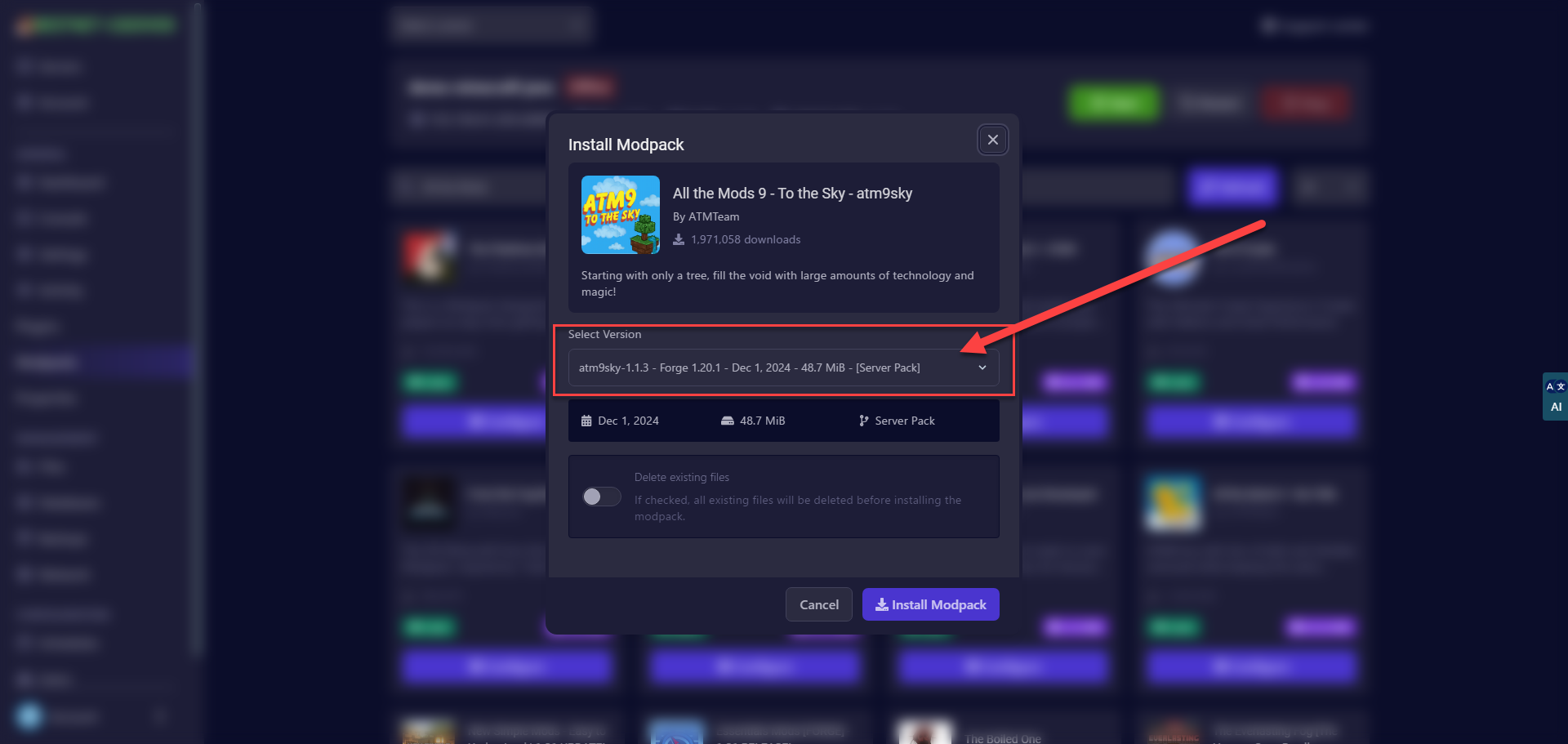
Depending on the modpack, there may be multiple versions (for example, versions for Minecraft 1.16 and 1.18) and different mod loaders (Forge and Fabric versions). The add-on automatically narrows down the options to suit your server, but you can select the combination you want to install if needed.
If there are differences between versions (for example, displays such as **”Latest”** or **”Recommended”**), it is generally recommended to choose the stable version.
STEP4. Install MODs
Click the “Install Modpack” button to begin installation.
STEP5. Please Wait for Installation to Complete
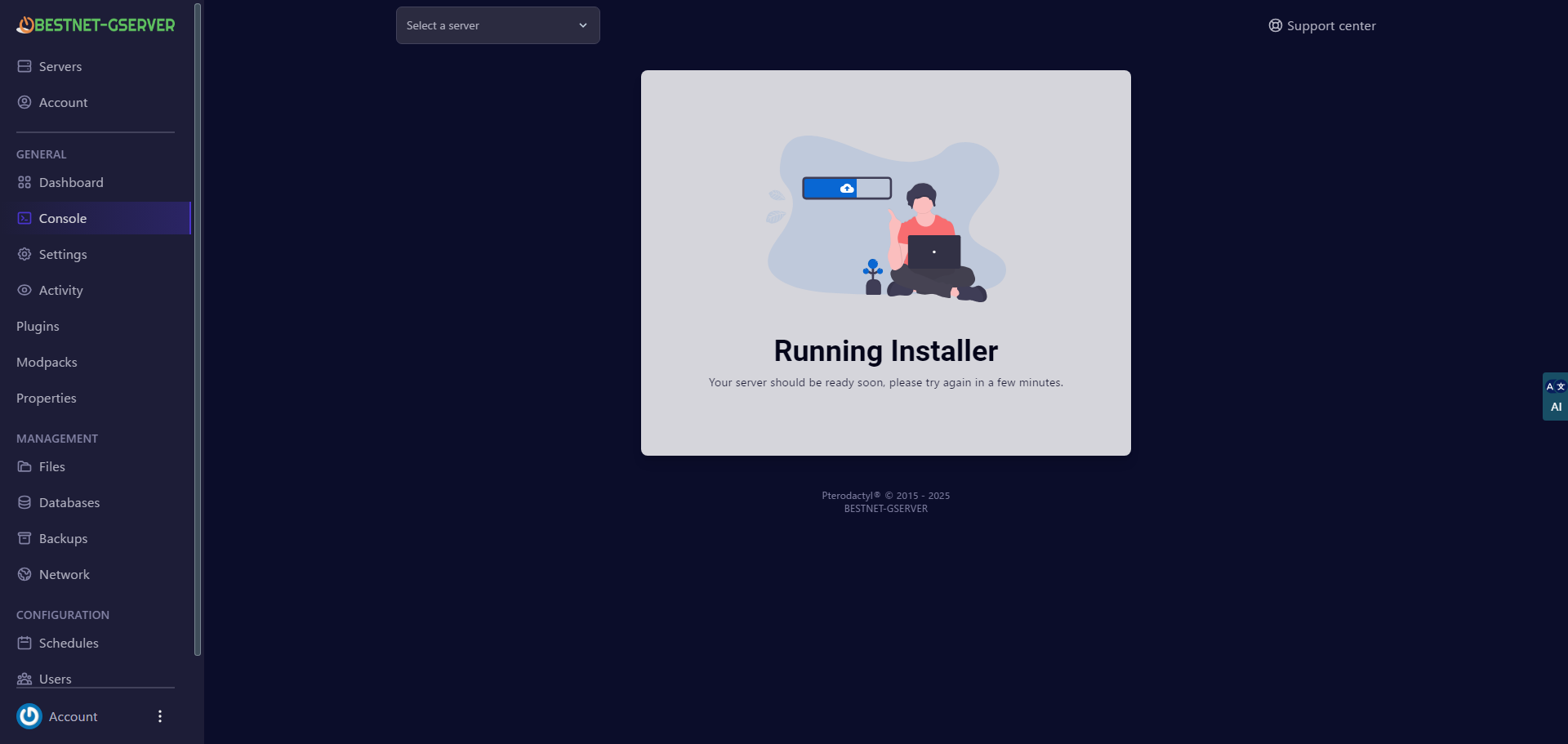
When the modpack installation starts, your server will stop and the installation process will begin.
Please wait a few minutes.